
Users
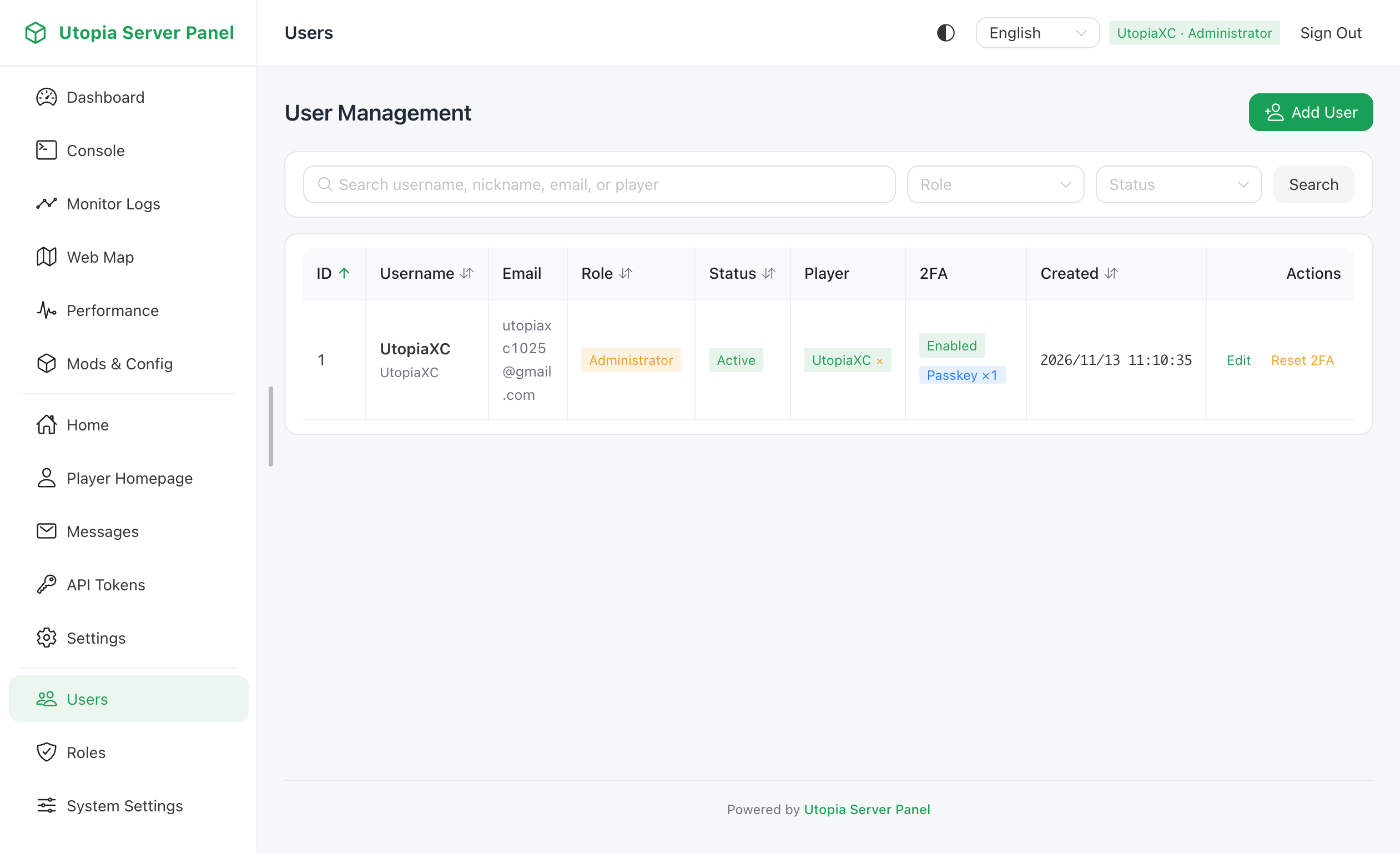
Administrators with admin permission can view, create, edit, or delete panel accounts, and manage account status, password policies, and two-factor authentication.
Account Statuses
Each panel user account has one of four statuses:
| Status | Meaning |
|---|---|
active | Normal state allowing login and access within role permissions |
inactive | Unactivated state, typically created when email verification is enabled; requires activation via email link |
frozen | Frozen state; login is blocked and existing sessions and tokens are rejected |
banned | Banned state; login is blocked and all operations are denied |
Administrative Actions
- Create User: Specify username, nickname, email, initial password, and role, with options to require password change on first login or enforce 2FA.
- Edit User: Update nickname, email, assigned role, account status, and individual 2FA enforcement.
- Unbind Player: Directly unbind a user's linked Minecraft player accounts when needed.
- Reset 2FA: Force-reset a user's TOTP two-factor authentication if they lost their authenticator device and cannot use in-game recovery.
- Unlock Account: Clear automatic login lockouts caused by repeated failed login attempts.
- Delete User: Remove accounts other than the currently logged-in administrator, cascading cleanup of sessions, tokens, passkeys, and player bindings.
Registration & Binding Integration
New user registration and player binding policies are controlled in System Settings -> Panel Settings -> Registration & Binding:
- Allow Public Registration: When disabled, self-registration is hidden from the login page and only administrators can create accounts.
- Default Registration Role: Sets the initial role assigned to self-registered users.
- Require Email Verification: Newly registered accounts start as
inactiveand receive an activation email via SMTP. Requires SMTP to be configured and enabled first. - Require Player Binding on Register: Requires users to provide a valid
/usp bindcode during registration. - Force Player Binding: Redirects logged-in regular users who have not bound a Minecraft player to the binding page before accessing other panel features.