
Console
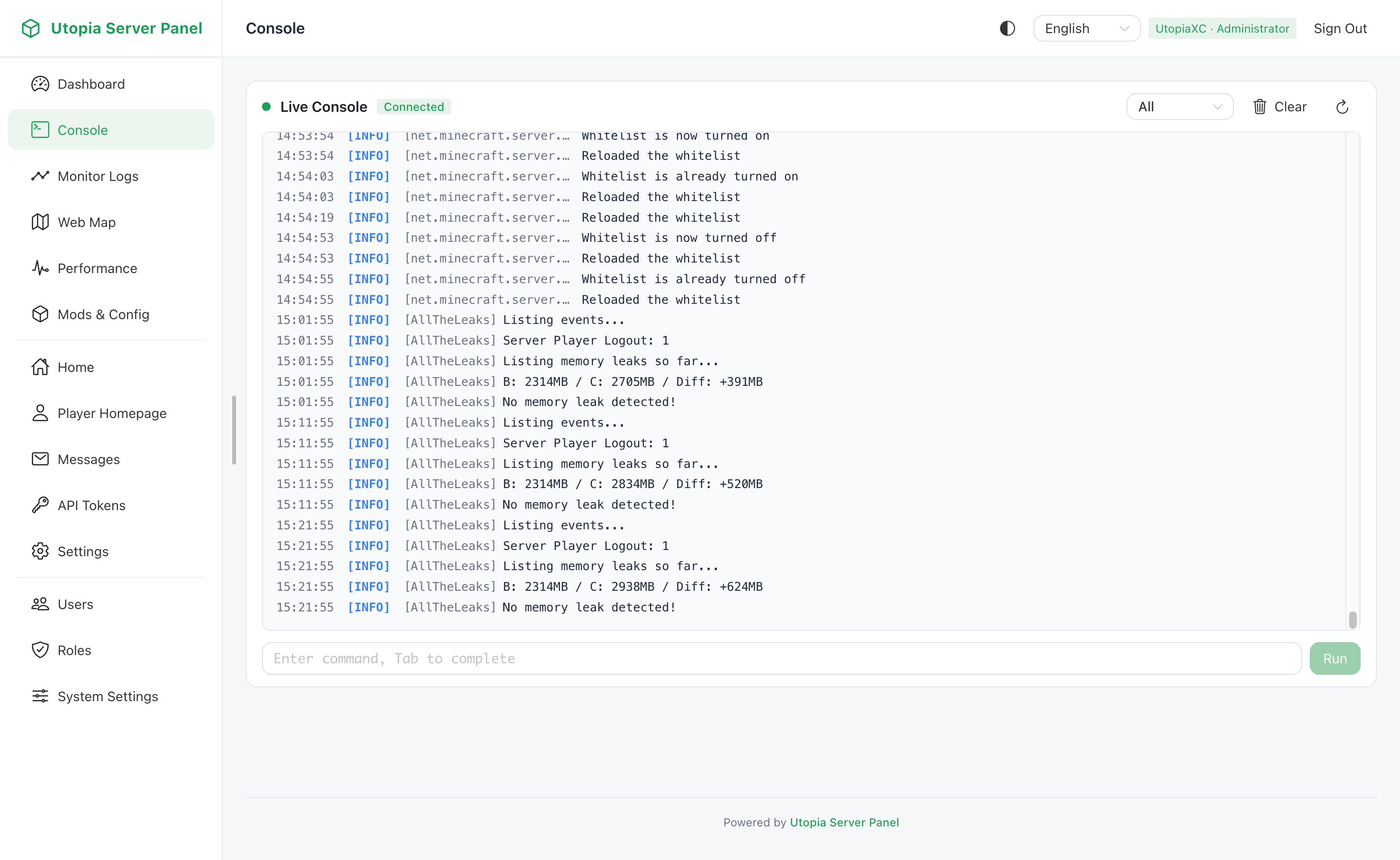
The Console provides a browser-based terminal mirroring the native Minecraft server console, featuring live log streaming, Tab completion, and command history.
Permission Requirements
- Read-Only
terminal:1: Streams live server logs over WebSocket, loads buffered log history and executed command history, and supports Tab completion queries. - Full Control
terminal:2: Allows sending and executing commands directly on the server.
Core Capabilities
- Live Log Stream: New server log entries are pushed in real time over WebSocket with level-based colorization.
- Tab Completion: Press Tab or request completions after typing a command prefix to fetch matching commands and arguments from the game adapter dispatcher.
- Command History: Cycle through previously executed commands using the Up and Down arrow keys.
Related Settings
Log buffer capacity and capture threshold are configured in config/utopia_server_panel.toml:
| Option | Default | Description |
|---|---|---|
maxLogLines | 1000 | Maximum number of log lines retained in the console buffer, from 100 to 100000 |
minLogLevel | INFO | Minimum log level captured and streamed to the web console: OFF, FATAL, ERROR, WARN, INFO, DEBUG, or TRACE |
Restart the server or reload configuration after modifying these values.